Image Effect Lite Tutorial
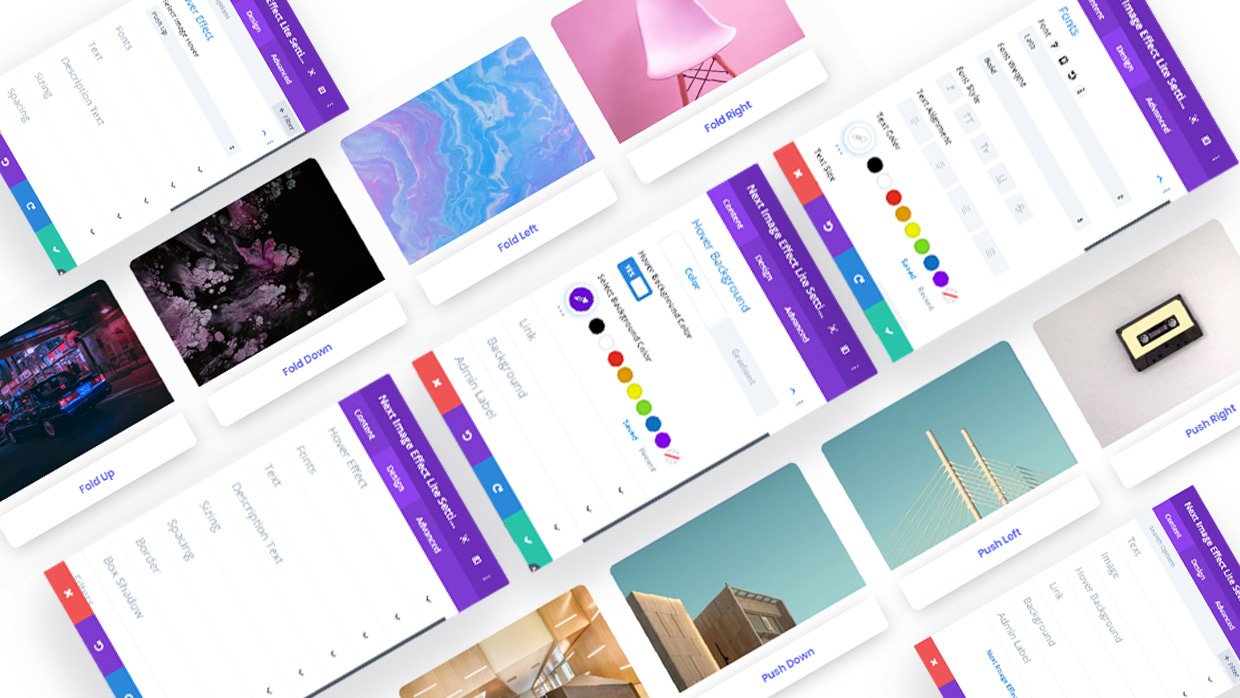
Divi Next offers you a completely free module named, ‘Image Effect Lite’. This module allows you to add unique yet minimal image hover effects to the relevant images you post on your website. Image Effect Lite is one-of-a-kind with its variety of uses for all developers and designers.
Whether you’re an amateur or a professional with design and programming, Image Effect Lite is very simple and comes with elegant effects to add to your images.
Once downloaded you will find yourself in a creative adventure and so much more can be done with a module like Image Effect Lite. You will not regret downloading this delightful module. Image Effect Lite will not disappoint you.
“A simpler module but it does the trick with 43+ effects.
With our set of default hover effects, you can still make use of them in your creative ways and manage to grab the visitor’s attention.
A perfect module for minimal lovers.
Need more! Explore Divi Next’s “Next Image Effect Pro” plugin with a 300+ image effect, and you may find exactly what you need.” - Divi Next website
The ‘Pro’ version consists of a lot more versatile effects than the Lite version. Image Effect Lite is no less compared to many image effects available in the market.
Who wouldn’t want a free Divi module? Visit our website and feel free to download this module. And enjoy your experience.
Do remember to give us feedback on how you like our products, with your reviews you will receive a more improved and updated plugin and module.
Once You Receive Image Effect Lite
Here are the basics of uploading a plugin to your website:
- After you download a plugin’s (.zip) file, you first go to your WordPress ‘Dashboard’
- On the left of your screen, you will see a list of settings in a column, move your cursor to ‘Plugins’
- Go to ‘Add New’, and in this page, you will see ‘Add Plugin’ and right beside it you’ll find a button that says ‘Upload Plugin’, click on that
- Finally, select the (.zip) file that has the module
- When the plugin is installed successfully, you will need to ‘Activate’ the plugin
- Enjoy your Divi Next Plugin
Once you have installed your Divi Next Plugin, just like any other Divi modules on your website, you will find our modules alongside the rest of the Divi modules that are available in the “Insert Module” window.
How To Use Image Effect Lite
Divi Next is known for creating and re-creating user-friendly modules and Image Effect Lite is brought to you completely free to use and like any other Divi module, this one is also very less time-consuming and is filled with many creative tools for you to explore and enjoy.
Once you’ve successfully activated the plugin, you are ready to use the module. Here are some designs you can create using Image Effect Lite.

When hovered on the image you get:

-
How To Use Image Effect Lite
In the Content field, you can add a relevant ‘Heading’ for your image

-
Add Hover Background
Add a suitable Hover Background color for your image and adjust the opacity to your liking. In the image, we set it to a ‘Gradient’.
-
Hover Effect
-
Select Font
Edit the fonts to your texts

-
Vast Design Tools
Transform, add borders, box-shadow and adjust filters to your liking for the image design you want to post on your website